



Step 1
Open your studio
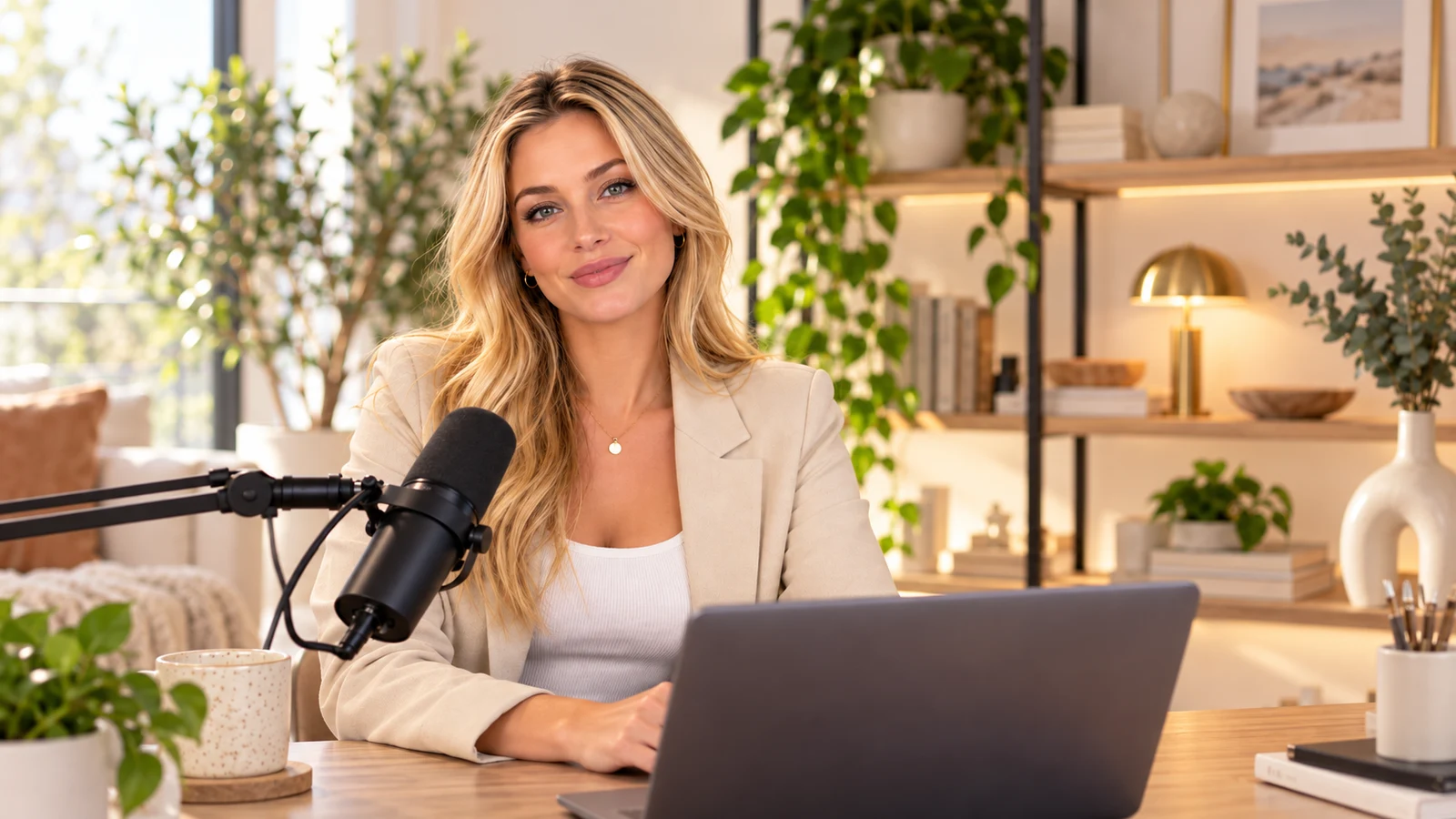
Launch it from your platform, right in Chrome or Edge. Nothing to install.
- Nothing to install
- Chrome or Edge

On airThe live studio in your browser
Everything you need to go live like a pro, in one browser tab.
 Built byTKDS Media × TKDS MENA
Everything a live show needs, in one browser tab: guests on stage, 11 layouts, lower thirds, your brand and a Go Live button that answers in seconds. Click around, it responds like the real studio.
The Weekly Live · Ep. 24LIVETime on air 00:18:42REC1080p60On stage2
Backstage1
Waiting room1
No installs, no setup marathon. Open the studio from your platform, bring your people in and go on air.
Step 1
Launch it from your platform, right in Chrome or Edge. Nothing to install.
Step 2
Send a link: guests join with no account and no app. Add your logo, colours and media, then pick a layout.
Step 3
Pick one of your channels and press Go Live. You are on air in seconds, and the recording is saved in 1080p60.
Send a link. They open it in the browser, check their camera and mic, and wait backstage until you bring them on. No account, no app, no download.
By email, in English, French or Arabic. Or simply share the link.
Right in the browser. Nothing to install, no account to create.
Camera, mic and name, all set before they step in.
Optional. You let each guest in when you’re ready.
Guests wait off-stage until you bring them on.
Bring people on or off stage, mute them, turn their camera off, switch which camera or mic they use, and set each person’s volume. Noise reduction and live audio meters keep every voice clean.
Guests click the link and they’re in.
Give a co-host their own link to run the show with you.
Someone sitting with you? They join from your computer with another camera and mic.
Message your guests without leaving the studio.
Works in Chrome and Edge on desktop, for you and your guests.
Brand every frame, put words on screen, mix the sound and roll your media. The tools a live show needs, one click away.
Every card is live. Tap, toggle and play.
Brand
Try itYour logo, your colour, your fonts. Pick a name-tag style, add backgrounds, overlays and stickers, and the whole show looks like you.
Colour
Logo
Name tag
Font
Text on screen
Try itLower thirds, banners, a ticker and free text. Preview privately, show it at the right moment, and let a timer hide it for you.
Media board
Try itUpload videos and images, then put up to 4 on stage at once: docked into the layout or floating on top.
Studio sound
Try itLive audio meters for everyone, volume per person, remote mute, and noise reduction that takes out keyboards, fans and street noise.
Templates
Save a look as a template. Your logo, colours and fonts stay with your platform, so every show starts on brand.
Brand kitSavedLive feed
Paste an HLS link and play a live feed right on your stage, beside your guests.
Music & effects
Try itBackground music on shuffle and a soundboard of effects, one tap away while you are live.
Screen share
Try itShare your screen in a click, then spotlight a guest or the screen with “Make main”. Every change between the 11 layouts animates smoothly.
Make main
Line up a countdown, an intro, your live stage, a break and an outro. Studio Go plays each one on cue, so your show feels produced, not improvised.
Step 01
Open with a ticking clock and your own headline while your audience gathers.
Step 02
The second it hits zero, your intro rolls. Cinematic from the very first frame.
Step 03
Then it cuts to your stage: your guests, your layout, your brand. You’re on air.
Step 04
Need a breather? Play a break playlist. Clips run in order with a soft fade.
Step 05
Close with your outro and a thank-you, then end the live when you’re ready.
With auto-start on, Go Live plays your countdown and intro, then cuts to your stage. Not one extra click.
Pick the channel for this live, choose the quality, press the button. Your stream starts in a few seconds, and Studio Go never takes a channel that’s already on air.
One of your platform’s channels. One channel per live.
A channel that’s already on air stays locked, so no live ever gets cut off.
720p or 1080p, at 30 or 60 fps.
Resolution
Frame rate
Bitrate
4.8 Mbps
Your channel keys stay locked away. The studio goes live without ever seeing them.
Download it later from Old records. You can also record without going live.
Every live is recorded, ready to download later.
From solo to grid, with animated switches.
Arabic fonts included, for every title on screen.
English, French and Arabic, with full right-to-left.
Videos and images, docked or floating.
They join from a link, right in the browser.
Here is who each plan is built for, what it allows in the studio and what it costs. Pick yours and open your studio today.
Pricing · $19.00 per month
For solo creators going live on their own channel.
Made for
Pricing · $34.99 per month
For hosts running regular shows with a look of their own.
Made for
Our pickPricing · $129.00 per month
For teams and schools broadcasting every week.
Made for
Every plan goes live on your platform’s channels and records in 1080p60. Picture, guests, hours, destinations at once and team seats grow with the plan. All the details are on the plans page.
The short answers to what people ask before their first live. Still curious? We are one message away.
No. Guests join from the link you send them, right in the browser: no account, no app, no download. Before they come in, a quick device check lets them pick their camera and mic and type their name.
Studio Go runs on desktop, in Chrome or Edge. There is nothing to install, for you or for your guests.
Yes. Start a recording on its own, with no live at all, to prepare an episode, a course or a replay you publish later.
Every live is recorded in 1080p at 60 fps on your platform. You will find it later under “Old records”, ready to download.
You choose for each live, up to your plan’s best: 720p at 30 fps on Starter, 1080p at 60 fps on Pro and Business. Going live takes a few seconds, and the recording is always made in 1080p at 60 fps.
Yes, up to your plan’s number of destinations at once: Starter 1, Pro 3, Business 5. You tick them in your studio before you go live, and a live counts once against your minutes, however many destinations it reaches. On Starter you go live to one destination at a time; to reach more platforms from there, send the live to a relay service such as Restream.io, Castr or OneStream.
Yes. The studio speaks English, French and Arabic, with full right-to-left support. Invitations go out in any of the three, and your on-screen text can use Arabic fonts too.
Your stream keys never reach the browser. They stay on your platform, so nobody in the studio, guests included, can see or copy them.
Yes. Place your logo in three positions, set your brand colour, and pick backgrounds, overlays, stickers, 14 fonts and 5 name-tag styles. Your brand kit is saved for your platform, ready for the next show.
Yes. Upload videos (MP4, WebM) and images (PNG, JPG, GIF, WebP) to the media board and put up to four on stage at once, docked or floating. Add background music with shuffle, sound effects, or even an HLS live feed from a .m3u8 link.
Open your browser, send your guests a link and go live on your own platform. Nothing to install.
Desktop Chrome or Edge · Guests join from a link, no account needed
A product of TKDS Media × TKDS MENA